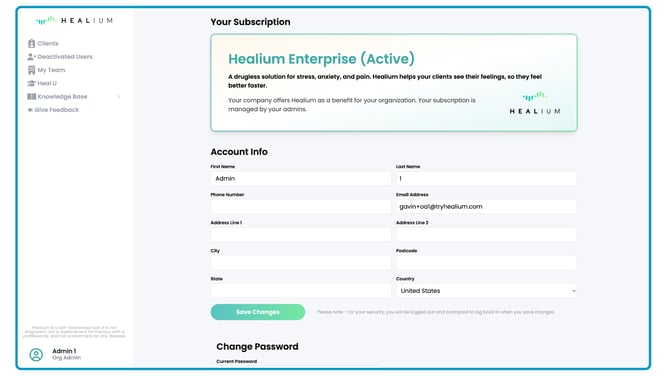
Whenever you first open the Healium Dashboard, you will see the navbar along the left side of the screen.
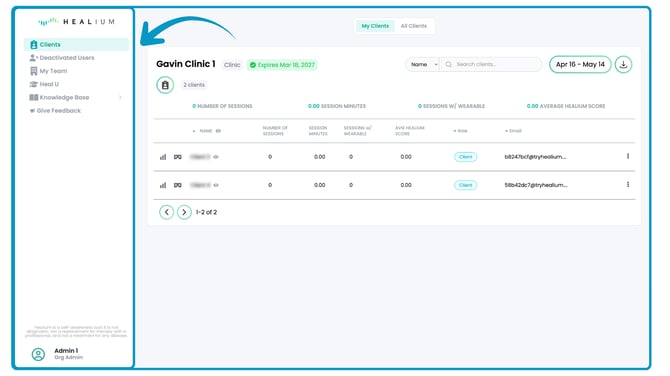
Clients Tab
The dashboard will default to showing the Clients Tab, to make it quick and easy to get up and running doing Healium sessions with your patients.
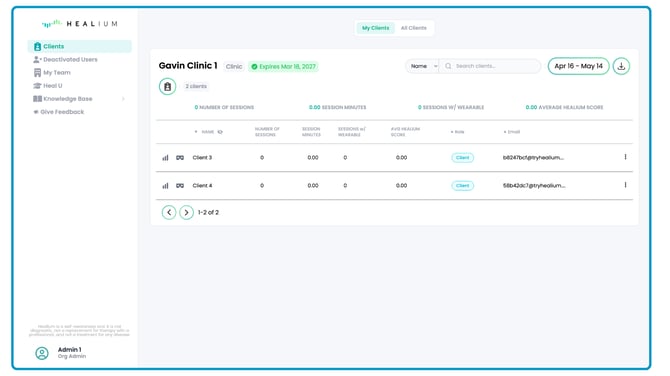
Org Admins will have a toggle at the top of the page to select between viewing "My Clients" or "All Clients".
Practitioners only have permissions to view their own clients, and will not see the "All Clients" toggle.
Deactivated Users
If you are no longer working with a patient, and need to move them out of your active Clients tab, you can deactivate them.
These deactivated patients are moved to the "Deactivated Users" tab.
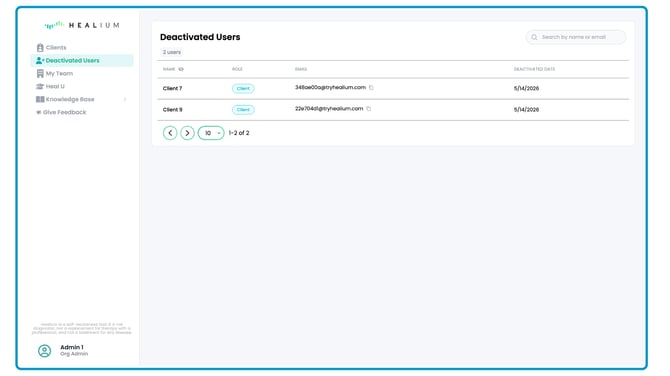
Deactivated users will no longer be able to do Healium sessions, and cannot be reactivated.
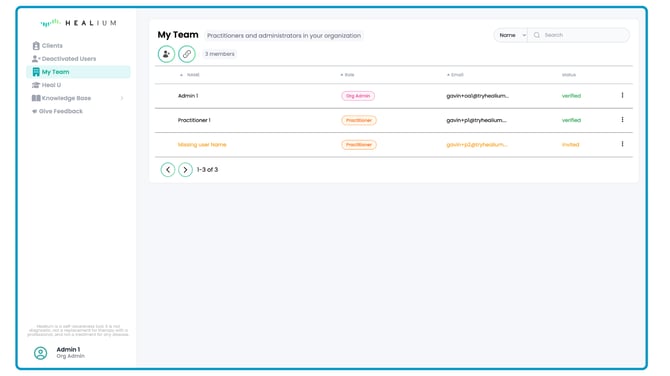
My Team
This is where you can view and manage other Org Admins and Practitioners on your team.
Heal U
Heal U is Healium's library of videos designed to teach you about neurofeedback and the various neuromeditation styles that Healium is based on.
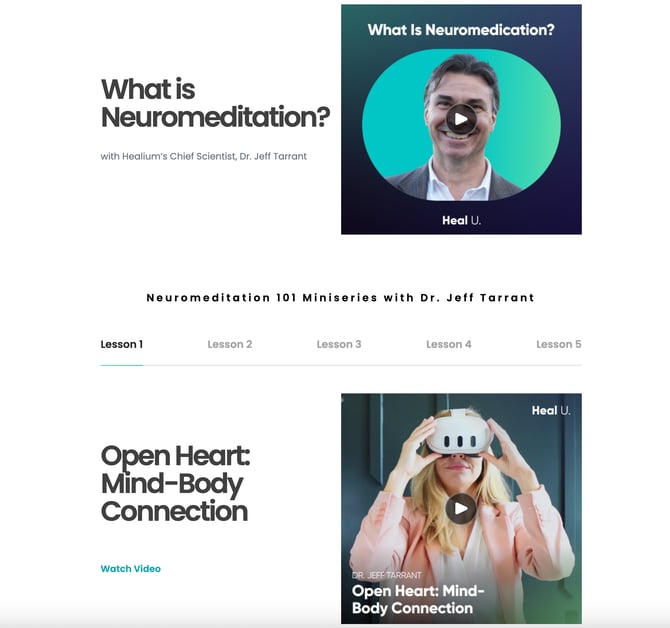
This is a great resource for Practitioners and Patients!
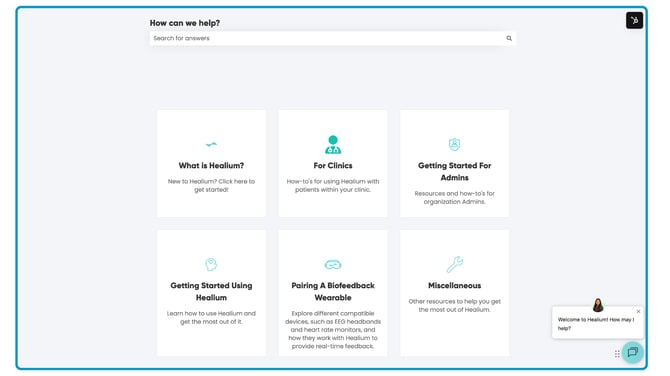
Knowledge Base
This is where Healium's "how-to" documents live to make it easier for you to use and implement Healium in your practice.
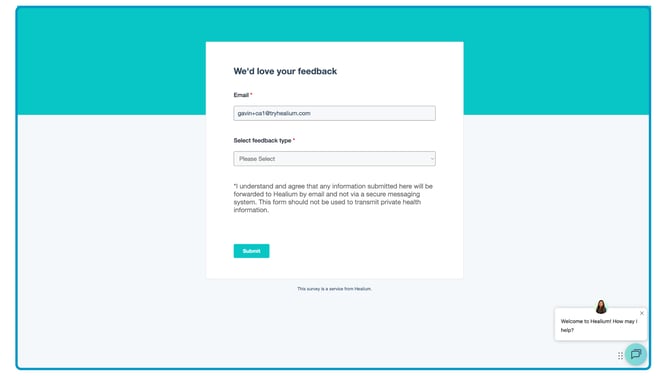
Give Feedback
We love hearing your feedback on what we can improve, and what we're doing well! Please share your thoughts any time.
Profile
View your current Healium plan and change your password if needed.