The Healium Lobby
Pairing A Wearable
You can find more detailed instructions {link to detailed pairing page}
Click on the bluetooth icon on the bottom menu bar.

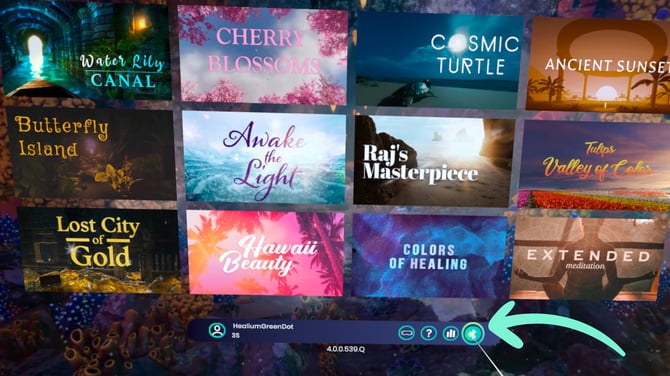
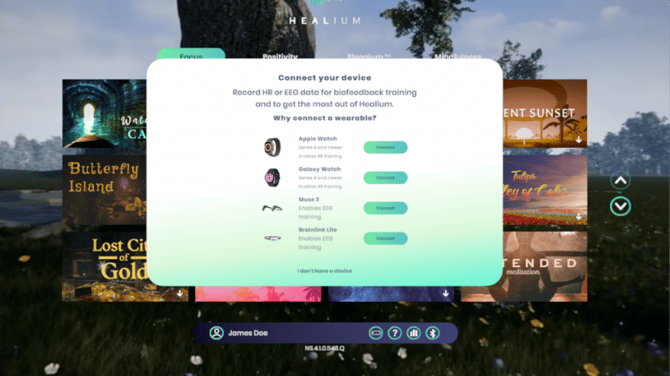
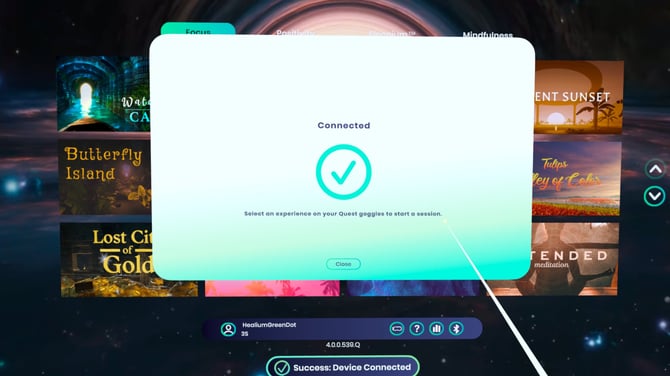
You'll see a green checkmark when the wearable is connected.
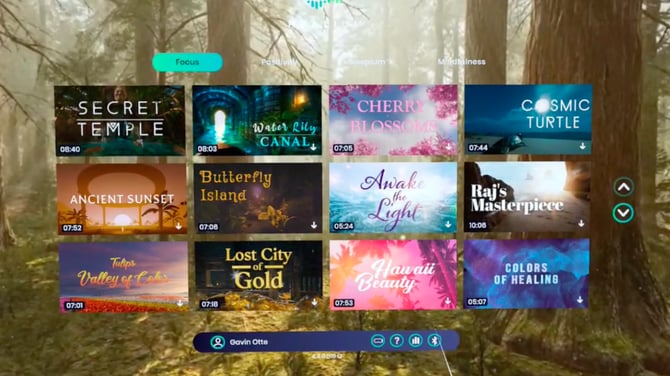
Select an Experience
Select the experience you would like to watch.
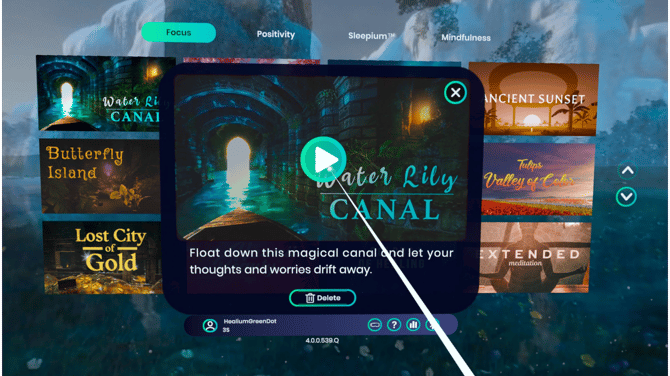
Measure your Baseline
When you start a Healium experience, it will automatically measure your baseline for the first 10 seconds.
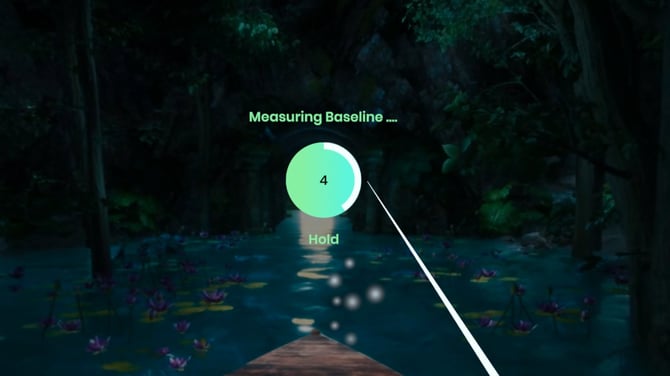
Note: This baseline is used to calculate your Healium Score at the end of the session.
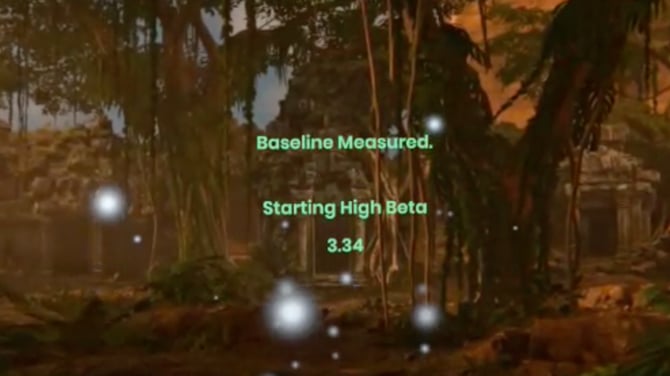
Your Healium Score is the percentage of time that you spend below your session baseline!
Using the Aura
Once your baseline is measured, you will see your aura, which is how Healium visualizes your body's biodata. It is intentionally designed to feel like it's a part of the experience, and will gently guide you to a more relaxed state.
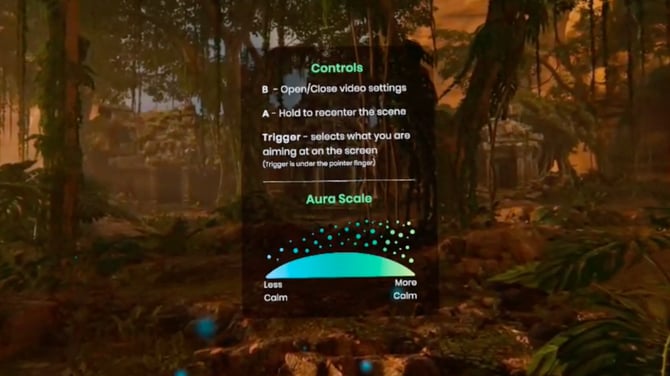
Tip: The aura starts as an icy blue, and change colors to a golden green as you become more calm.
Healium's aura.
Opening Video Controls
To open the Video Controls, press the 'B' button your controller.
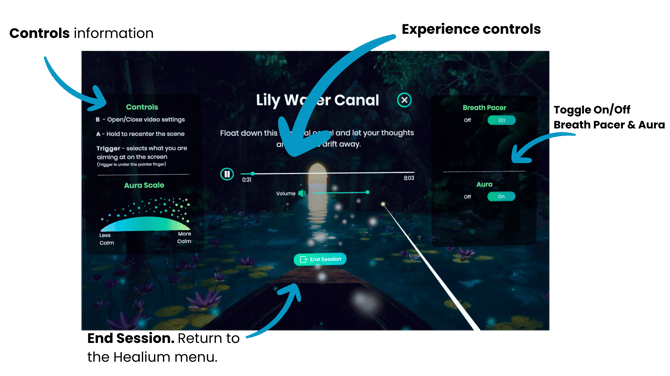
The Video Controls allows you to:
- Review the Controls and Aura Scale
- Toggle on/of the Breath Pacer and Aura
- Adjust volume
- Skip to different parts of the experience
- End the session
Ending the Session
Once the experience ends, or if you manually end the session, there will be session stats on the summary screen.
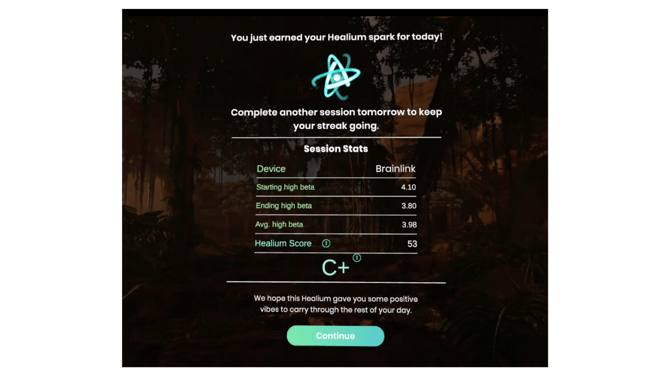
Click "Continue" to go back to the Healium Lobby, and select your next experience!